
Incidents and near-misses happen in every workplace, but the way you handle them shapes your safety record, reputation and future risks. Many organisations still rely on manual reporting, slow communication and scattered investigation records. There is a better way.
Why Incident Reporting Really Matters
Every accident, near-miss or risky observation offers a chance to learn and prevent future harm. Fast, accurate reporting is essential, not just for legal compliance, but also to protect your people, keep operations running, and show you take safety seriously. Good reporting means:
- Problems are spotted and fixed before they escalate
- Management get real information, not just tick-box data
- Your safety culture grows stronger with every lesson learned
The Challenge: Common Incident Management Frustrations
If you work in operations, safety, HR or as a site manager, you might recognise these scenarios:
- Paper forms disappear or sit on desks for days
- Staff struggle to log incidents, especially on the move or after hours
- Leadership doesn’t see incident patterns quickly enough to act
- Investigations drag on, with evidence and actions hard to trace
- Audit and compliance paperwork sap time and energy
These barriers slow down your response and risk letting problems repeat themselves. Technology should cut through this, not add more complexity.
Incident Reporting Software That Works Where and When You Need It
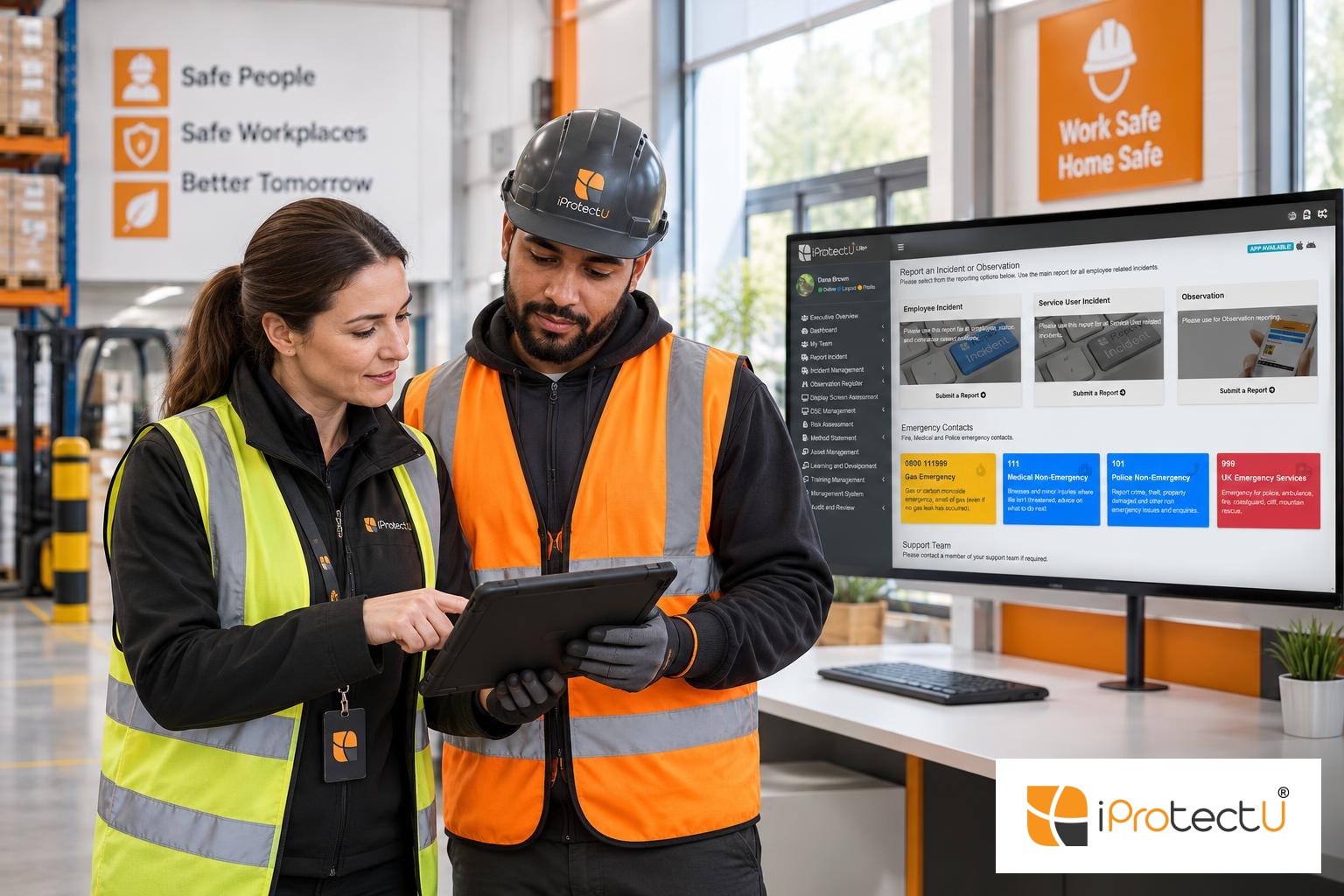
iProtectU Incident Reporting Management Software is purpose-built to solve these headaches. By centralising every stage of incident handling, it makes sure people report quickly and that information flows directly to the right people. Here is what stands out:
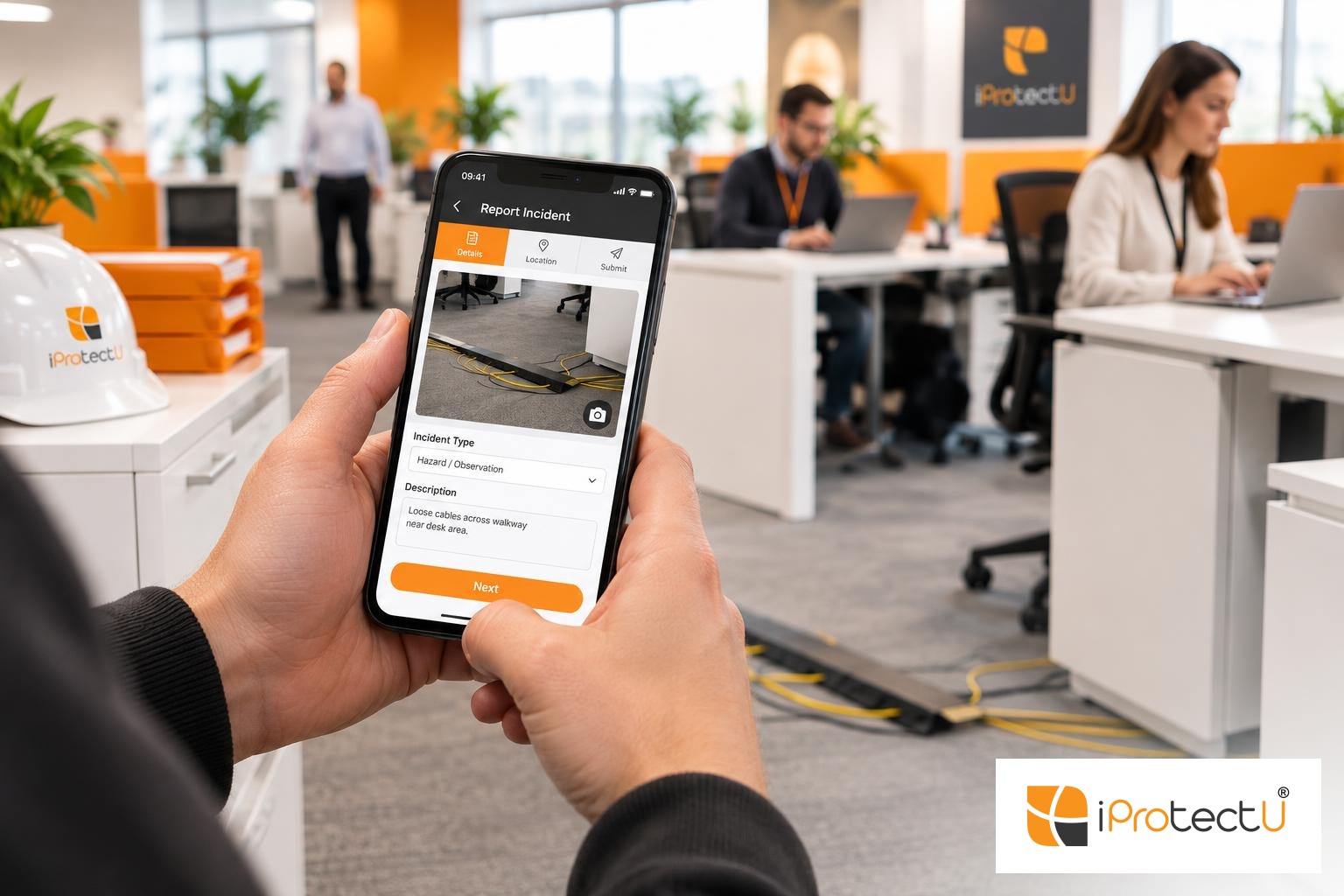
- Fast, mobile reporting, Log incidents in seconds from any device, with photos, video or voice notes, even offline
- Simple app and QR code access, Anyone can submit a report, increasing your reporting rate
- Real-time notifications and workflows, Everything routes to the right team, so nothing is missed or delayed
- Structured investigations, Guided "5-Why" and Fishbone tools help you find real root causes, backed by evidence upload and audit trails
- Action tracking and verification, Assign corrective and preventive actions (CAPA), set deadlines, e-sign off and add proof for a clear close-out
- Live dashboards and analytics, Spot trends, repeat issues, and KPI stats at a glance. Easily schedule reports for leadership and compliance
- Data privacy and access control, Role-based permissions keep sensitive material safe, supporting GDPR and audit requirements
How It Works: Practical Steps from Report to Resolution
- Report: Staff or contractors record the event from any web browser or mobile app. Attach photos, documents or notes and capture location or time automatically.
- Triage: The system helps you categorise and escalate incidents, prompting for RIDDOR or OSHA requirements.
- Investigate: Use built-in tools to add evidence, gather witness statements and follow structured root-cause analysis.
- Correct: Create and track actions. Assign each one with an owner, deadline and remind them until it is done, supported by digital sign-off and proof.
- Review & learn: Close the loop by sharing lessons, updating risk assessments or training, and monitoring progress through live dashboards.
This keeps incident management simple, transparent and quick, whether you are dealing with a minor near-miss or a complex investigation across multiple sites.
Why Choose iProtectU?
- All-in-one, mobile-first platform with offline capture and easy integration
- Configurable for your processes, sites and approval levels, no more “one size fits all” limitations
- Helps with compliance, aligning with ISO 45001, RIDDOR and OSHA data fields so audits take less time
- Modern and intuitive interface, so adoption is straightforward for all staff
- Real security for sensitive data, with audit trails, role permissions and GDPR tooling
- Links with your safety system, including risk, asset and training modules, for complete operational coverage
Your Takeaway: Better Incident Management Starts with Better Tools
Managing incidents does not have to be a chore or a box-ticking exercise. With iProtectU Incident Reporting Management Software, you bring incidents, investigations and improvement all into one place. That means less time chasing paperwork and more time making your workplace safer.
See what this looks like in practice and how it fits your organisation. You can request a tailored demo to look at your workflows, sites or any specific needs.
FAQs
Our FAQs help you understand how iProtectU health and safety software can support your organisation.
For anything else, request a demo or contact our team.
Request demoWhat types of incidents can I report with iProtectU?
You can record any incident, including injuries, near-misses, hazards, property, environmental, vehicle or security events. The forms are fully configurable.
Does the software help with RIDDOR or OSHA compliance?
Yes, iProtectU provides prompts and required data fields to support RIDDOR and OSHA reporting obligations, helping with evidence retention and legal requirements.
Is there support for mobile and offline use?
Yes. Native iOS and Android apps work on and offline, so incidents can be logged anywhere, even without an internet connection. Data syncs when back online.
How does iProtectU protect sensitive data?
Role-based permissions, secure hosting and encrypted connections keep your data safe. Full audit trails track every assessment and action for compliance.
Can incident actions be tracked and verified to close out?
Yes. Each corrective or preventive action can be assigned an owner and deadline, with reminders until completion. Digital sign-off and evidence attachments are built in.
Ready to see practical incident management in action?
Request a demo and discover how iProtectU can make incident reporting, investigation and safety improvement easier in your organisation.
Request a demo